1
Install the PC app
Download Wireless Presenter PC for Windows, macOS or Linux and open it on your computer.
Presentation remote for Windows, macOS and Linux
Pair with the companion PC app using a QR code, then use your phone as a clean slide remote, touchpad, Air Mouse and laser pointer.
Two parts — the iPhone app controls, the free PC app receives. You need both.
A short promo overview — plus a real in-app demo recorded during a live presentation.
Install the desktop app, keep both devices on the same network, scan the QR code and start presenting.
Download Wireless Presenter PC for Windows, macOS or Linux and open it on your computer.
Keep your phone and PC on the same Wi-Fi network. If there is no Wi-Fi, use a mobile hotspot.
Scan the QR code shown by the PC app. The phone reads the PC server and session details.
Use Present (F5), Next, Previous, Black screen, Touchpad, Air Mouse, Timer and Alerts.
Wireless Presenter keeps the important controls close, while the PC app handles the desktop connection.
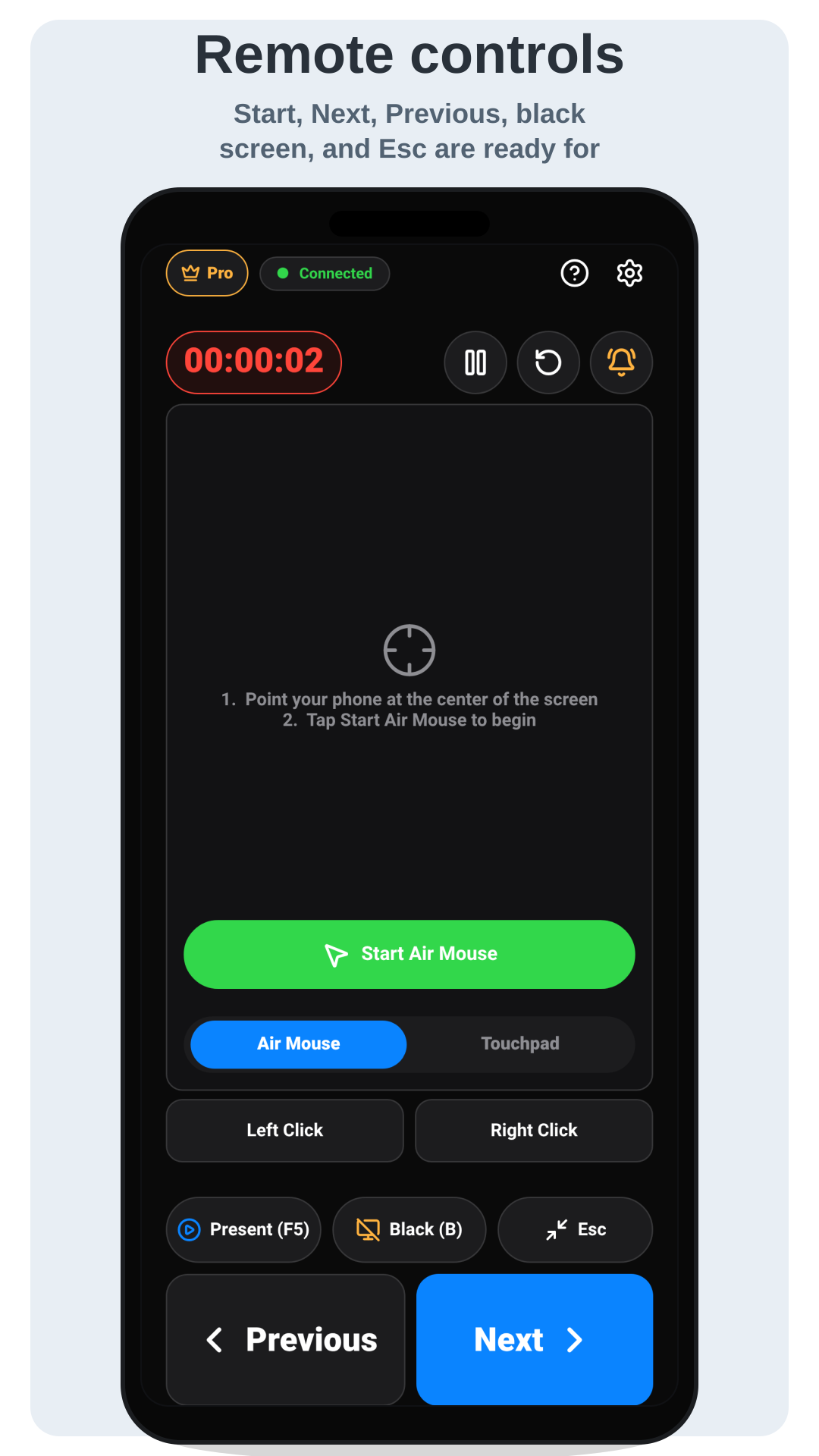
Control next, previous, black screen, escape and Present (F5) from your phone.
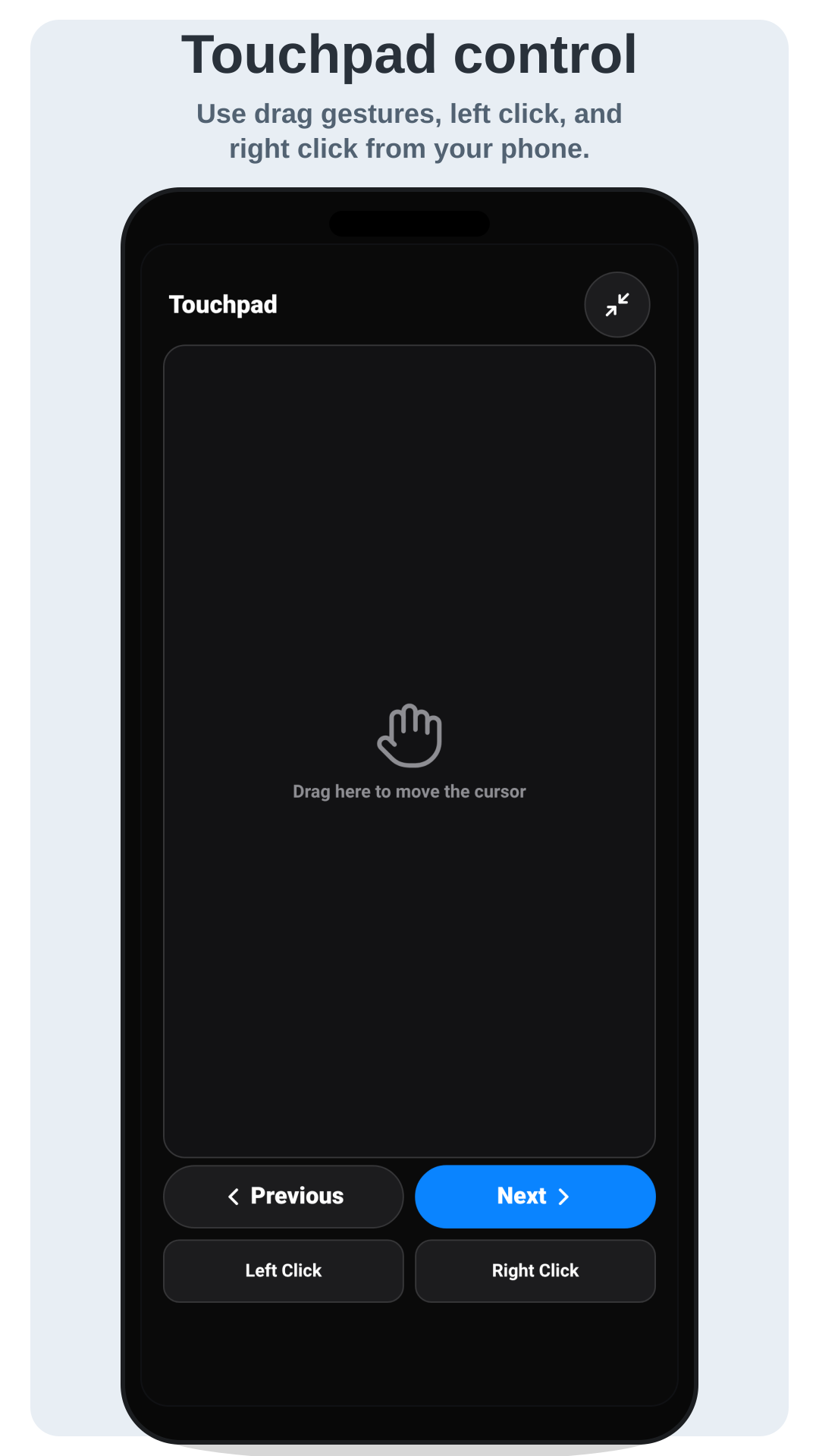
Move the cursor, left click, right click and drag when you need direct desktop control.
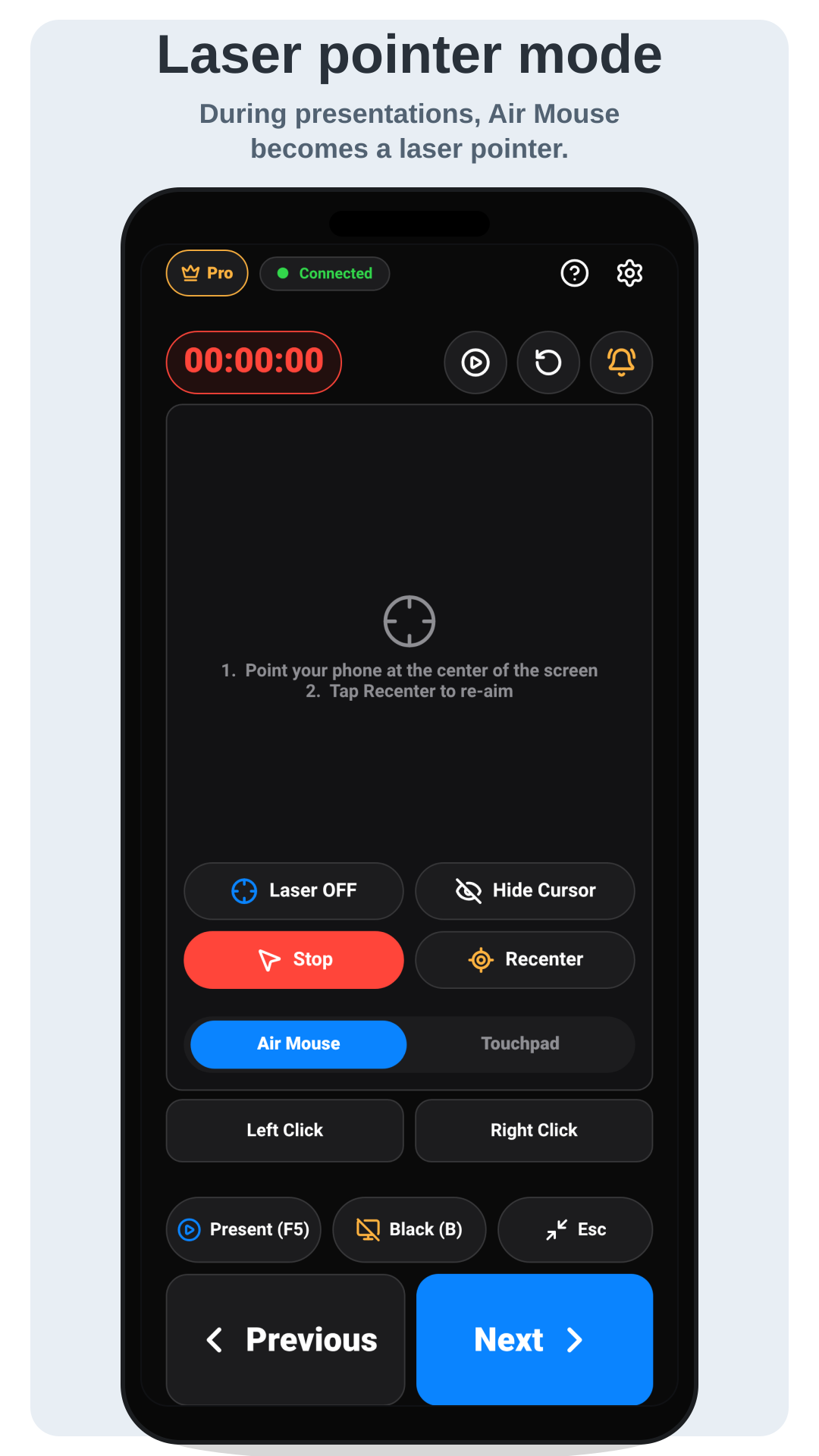
Aim your phone at the screen to move the pointer or use the virtual laser pointer mode.
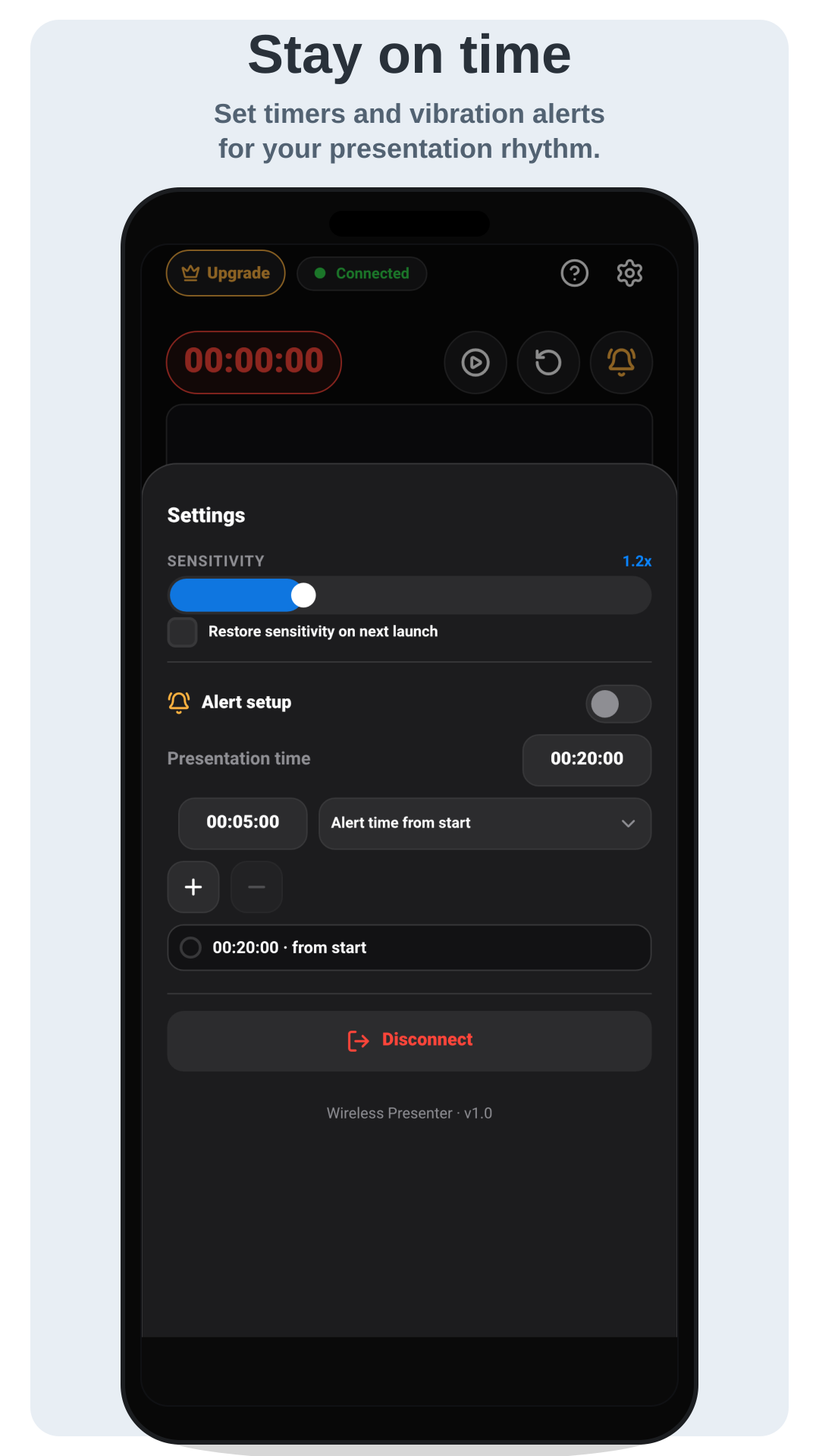
Keep track of time with an on-screen timer and get a vibration alert before you run over.
Most issues come from network isolation, a missing permission, firewall rules or Linux display-server limitations. Here are the quick fixes.
Make sure the phone and PC are on the same network, then allow the PC app through the firewall or antivirus. If the server address won't open in the browser, the firewall is usually the cause.
When your phone asks for the Local Network permission (iPhone or Android), tap Allow — otherwise the app can't discover the PC on your network.
Many corporate networks block device-to-device connections. Share your phone's mobile hotspot and connect the PC to it instead.
If scanning the QR code doesn't connect, restart the PC app and scan the newly generated QR code. Each session shows a fresh code.
Air Mouse and touchpad cursor control may be blocked on Wayland. Use an X11 session for the most complete desktop control.
Packages target recent x86_64 systems (e.g. Ubuntu 22.04 with glibc 2.35). Older distributions such as CentOS 7 need a separate legacy build.
Still stuck? Email support.easylifedev@gmail.com.
The mobile app requires Wireless Presenter PC on your computer. The release page includes packages for Windows, macOS and modern Linux distributions.